01
Understand your brand
Paste your brand site. Marketools extracts its name, logo, colors, typography, and products, then presents the Brand DNA for confirmation before product selection and the rest of onboarding.
start_brand_onboardingMarketools MCP · Remote server
Marketools connects your brand, products, and Meta's public Ad Library to Claude. Find real references, preserve their creative structure, and generate your static feed ad without leaving the conversation. It creates the creative; today it does not create or publish Meta campaigns.
Server address
https://app.marketools.ai/api/mcpFind what my competitors are running and adapt a strong structure to my serum.
> Marketools · reviewing collected ads and the brand's confirmed identity
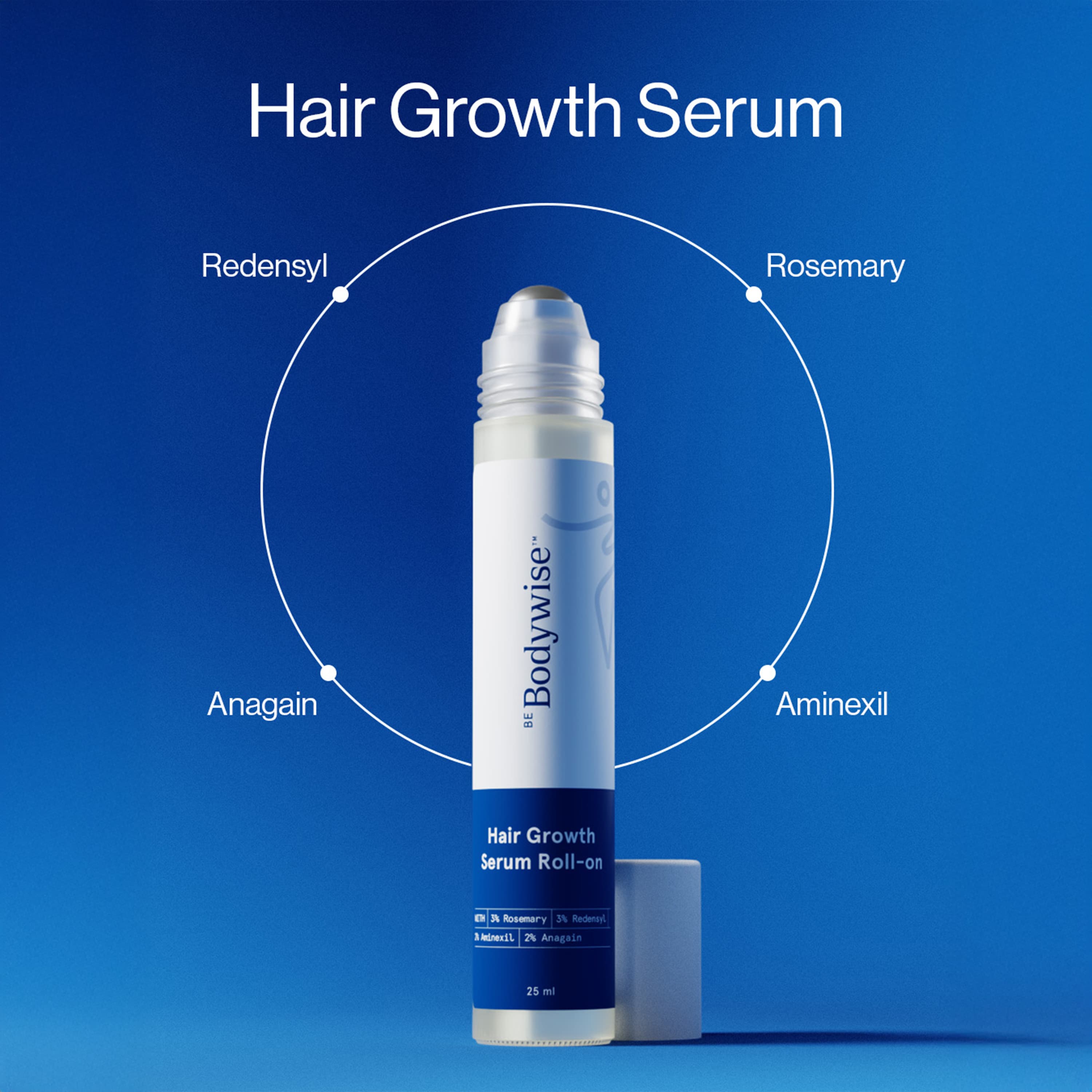
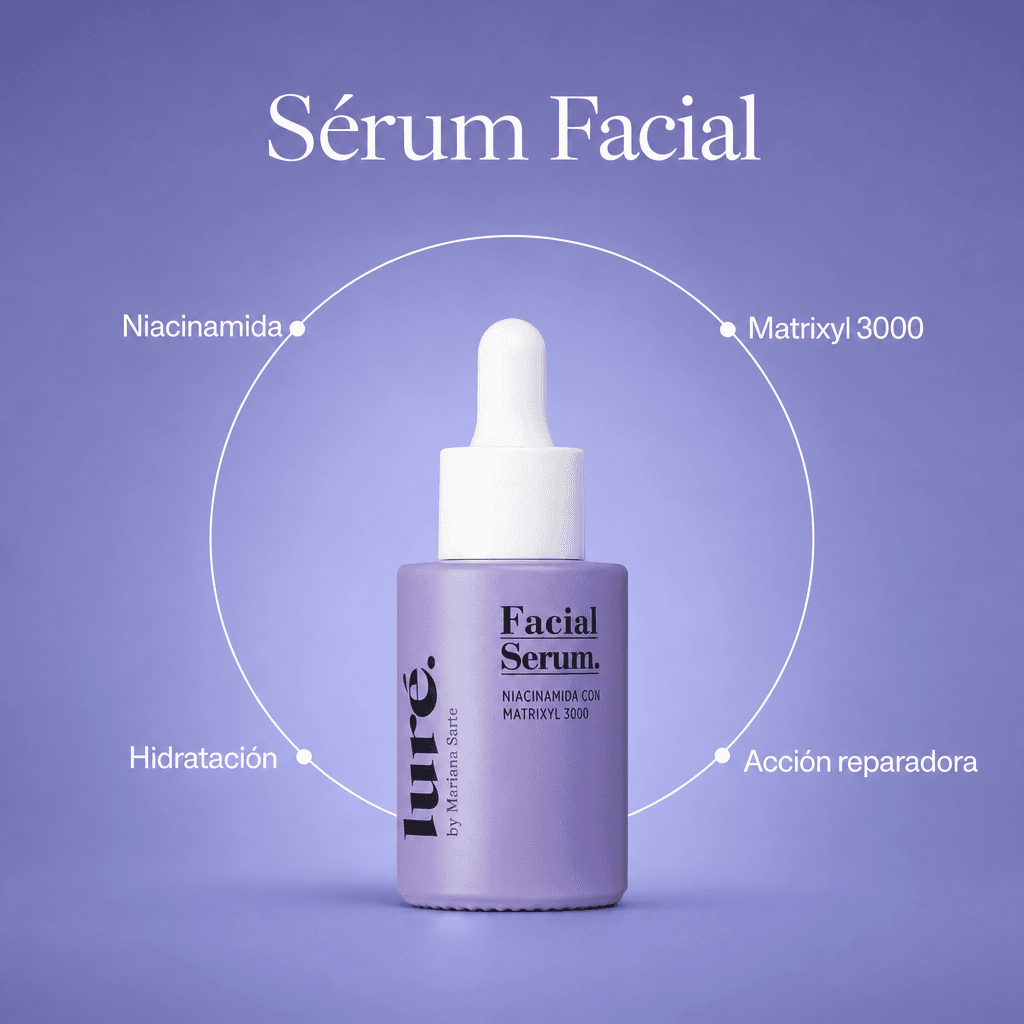
Feed job started · typical time around five minutes
Connect it in 3 steps
The server is the same for all four. What changes is how you add it and how well the result actually shows up in each one — stated plainly.
claude.ai and Desktop · OAuth connector
Open Settings → Connectors → Add custom connector.
Paste the server address (on the right) and confirm.
Sign in with your Marketools account and review the permissions — ad generation is unchecked by default.
What to know about this client
Generated images show up in the chat, but collapsed inside the message — open the link we return to see them full-size. The interactive preview (MCP Apps) isn't enabled on our server yet.
Input
Your store URL
Evidence
Collected Meta ads
Output
Static feed ad
Control
Human-approved Brand DNA
One end-to-end workflow
Paste your brand site. Marketools extracts its name, logo, colors, typography, and products, then presents the Brand DNA for confirmation before product selection and the rest of onboarding.
start_brand_onboardingResearch competitors and ads collected from Meta Ad Library. Observed longevity and repetition help prioritize what to study; they are not proof of ROAS.
discover_competitorsThe benchmark supplies the form; your brand supplies the product, message, and identity. Work runs asynchronously and Claude polls the result by its identifier.
adapt_competitor_adExample workflow
Generation is asynchronous: Claude gets a job identifier, waits for the recommended interval, and checks the result. It does not promise an instant response the real pipeline cannot deliver.
user
Find what my competitors are running and adapt a strong structure to my serum.
result
Feed job started · typical time around five minutes
Real requests, not a lab demo
Every card is a request verified against what the tool does today. Copy it or open it straight in Claude.
Paste your brand's site and Marketools proposes a name, logo, colors, fonts, and product. Nothing gets used until you confirm it.
“Set up my brand from my store's website.”
Requires the generation permission (the checkbox on the authorization screen).
Tool: start_brand_onboarding
Search competitors and their active ads in the Meta Ad Library. Observed longevity helps prioritize what to study; it isn't proof of results.
“Show me my competitors' longest-running ads.”
Read-only search, free. Adding a new competitor (discover_competitors) uses research budget, not your credits.
Tool: search_competitor_ads
The reference ad supplies the structure; your brand supplies product, message, and identity. It runs in the background — Claude tells you when it's ready.
“Make my version of the ad that has been running the longest.”
Costs 1 ad credit. Typical time: about 5 minutes.
Tool: adapt_competitor_ad
edit_ad applies the change to the image that already rendered — it doesn't start over, so what you liked stays.
“The logo on that ad came out huge — shrink it.”
The first 3 edits of any ad are free; after that each one costs 1 credit, with your explicit confirmation before it charges.
Tool: edit_ad
Summarizes your brand's stored reviews into the themes and objections that keep coming up — raw material for the next angle.
“What do my customers' reviews complain about the most?”
Read-only, free. If you haven't loaded reviews yet, it says so instead of inventing a theme.
Tool: get_review_themes
Marketools makes the creative; publishing, budgeting and measuring belong to your official Meta connector, in the same chat. We give you the public image URL and a stable adId so you can tie the CPA back to this ad later.
“Take the image from the last ad we made and hand it to my Meta connector to upload as a new creative, and keep the adId so we can measure it later.”
Read-only, free. Marketools never publishes or pauses Meta campaigns — that is the other connector's job.
Tool: get_ad
The specialty
Marketools is built for performance static ads. It does not try to replace a video, effects, or cinematic production suite.
The reference comes from public ads collected in your market, not only a description written from scratch. A validation date lets you judge freshness.
Product, voice, colors, and constraints live in reusable knowledge. The agent does not reinvent your identity in every conversation.
Reading context and generating are not the same permission. Credit-consuming tools require explicit authorization.
Long jobs return status, expected timing, and the exact tool the agent should call next.
Honest fit
Visible safety
Basic authorization can read and organize your context. Generation and other paid actions use an additional permission, off by default, that you accept on the consent screen.
Read brands, products, audiences, and memory
Generate or call paid providers
Present Brand DNA and ask you to choose a product during onboarding
Compatible clients
The remote server uses the standard MCP protocol: it works on Claude (claude.ai and Desktop), Claude Code, ChatGPT in developer mode, and Grok as a custom connector. Visual presentation varies by client — the honest detail for each is above, under "Connect it in 3 steps." Results always include a usable URL.
Server address
https://app.marketools.ai/api/mcpIt is a remote server that lets a compatible client read your brand context, research competitor ads, and generate Marketools static ads through structured tools.
No. The reference supplies creative structure. Product, message, and identity come from your brand, and the image is rendered from your photos — never from theirs. Marketools does not present ad longevity as proof of conversions.
The real pipeline typically takes around five minutes. The tool starts a job, returns an identifier, and tells the agent when to check the result.
It should not. Paid tools require a separate generation permission that you explicitly authorize; basic read access does not grant it.
You can start onboarding from the conversation. Marketools presents the Brand DNA it found for your approval and must never choose a product silently.
No. You use your existing Marketools account and credits — the MCP is another entry point, not a separate product. The one difference: every credit-spending action asks for your explicit authorization before it charges anything.
The agent only reaches what the granted permission allows: your brand's knowledge base (read, and write when applicable), and, only if you turned on the generation permission, the tools that spend. It never reaches other users' accounts or your third-party credentials. More detail in our privacy policy.
When you authorize the connector you'll see a checkbox, unchecked by default, that essentially says "also allow generating ads and research." Leave it unchecked and the agent can read and organize your knowledge base but cannot spend credits or research budget. Checking it is the only way those tools turn on — neither the client nor the agent can flip it on its own.
Every result includes a quality-check verdict. If it flags a defect — or you're just not happy with it — ask the agent to fix it in plain language, e.g. "shrink the logo," with edit_ad: it applies the change to the image that already rendered, it doesn't start over. The first 3 edits of any ad are free; after that each one costs 1 credit, and the agent must get your explicit confirmation before it charges you.
Your press, inside the chat
Start with your store, confirm what we found, and turn a verifiable structure into an ad that belongs to you.
Open Claude connectorsCreate a Marketools account